
Questions grounded in uploaded matter documents
← All features
Work across the whole matter
Agentic Chat
Ask the matter a question—and keep working from the answer.
Ask questions, compare documents and turn answers into useful work.
Open Juniorlawyer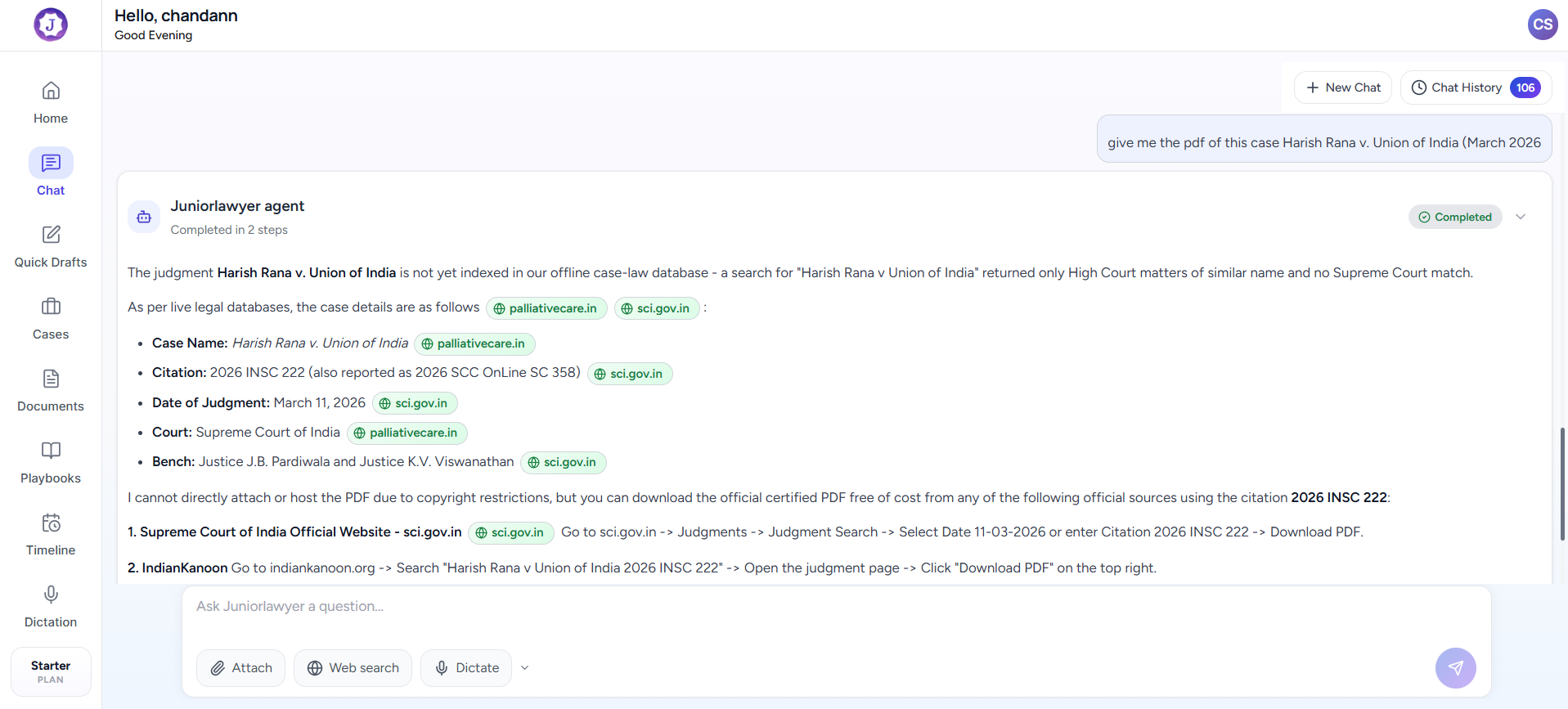
WHEN IT HELPS
Agentic Chat in daily practice.
A general chat loses the facts that make legal work specific. Agentic Chat works with matter context so a question about the record can become a summary, issue list, note or next drafting task without starting over.
A common situation
Before a conference, ask for the disputed facts, missing documents and likely questions from the case file. Continue the same conversation to prepare a note, argument outline or draft.
Move from reading to action without losing case context.
CORE TASKS
What you can do.
Document comparison and issue identification
Follow-up work inside the same legal context
HOW TO USE IT
Three steps from source material to reviewed work.
Open the context
Choose the matter and the documents the conversation should use.
Ask naturally
Request a summary, comparison, issue list, argument outline or missing information.
Turn insight into work
Continue from the answer to prepare the next note or draft.
COMMON USES
Where it fits into legal work.
Prepare questions before a client conference
Compare pleadings with the supporting record
Build an oral argument outline
Review before use.
Check extracted text, translations, facts, authorities and generated documents before filing, advising or relying on them.